
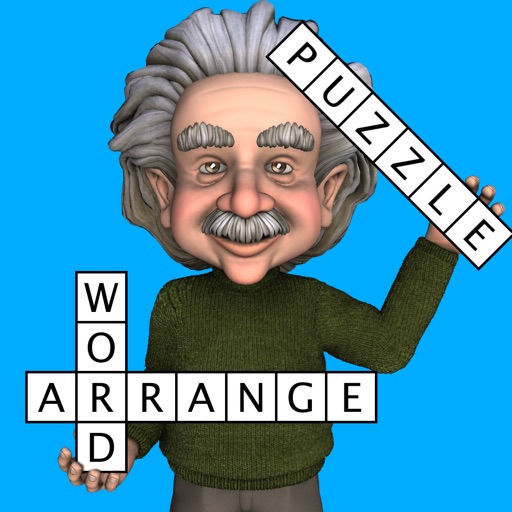
Word Fit Puzzle
by Havos Ltd
218 reviews analysed · 21 Dec 2013 – 28 Oct 2025 · scored 28 Sep 2026
Based on 218 reviews from 21 Dec 2013 - 28 Oct 2025.
Overview
- Appeye score
- 91/100moderate confidence
- Category rank
- #417 of 18,828Games
- Reviews analysed
- 218Scored reviews from the App Store.
- Sentiment trend
- Trending upIts trend signals are moving in a positive direction.
3.7K ratings
Review sentiment
App description
Fit words into a grid in this popular game, often seen in puzzle magazines as fill-ins. The grid looks like a crossword, but there are no normal clues. Instead you must find the right place in the grid for each word from a given list. The game has an easy to use interface. Either drag-and-drop the words to their correct position, or tap the grid and then the word. The words to find are in English, or you can play in 35 other languages. • Play an unlimited number of different puzzles!! • Multiple difficulty options. Play one of 10 built in difficulty levels, or use the custom mode to configure the difficulty of the game to exactly what you want • You can also look for sequences of digits or symbols, not just words • Designed for fun games from the smallest mobile phones up to the largest tablets You can configure: 1) Grid size Specify exactly how many columns and rows to use (from 3 to 20). Even non square grids (e.g. 12x15) are possible 2) Difficulty settings Change the difficulty of the puzzles, from easy to very difficult 3) Minimum & Maximum word length This helps avoid searching for many small words (a common problem in word apps). Also useful for specifying really difficult games (e.g. set both minimum and maximum word length to three). 4) Starting letters The game can start with one or more letters already placed in the grid, in order to help you get started 5) Language Choose the language of the word list, from a large range of downloadable dictionaries. 36 languages are currently available (see below) 6) Orientation Can be played in portrait or landscape mode. Just rotate your device and the display adjusts automatically 7) Word Category Choose the words to find from a range of categories; e.g. animals, food etc This app gives you the ultimate power to play the game just the way you want Each game is assigned a difficulty level from 0 (easy) to 9 (very hard). The difficulty level is determined by the settings or the difficult
Sentiment over time
Not enough monthly history yet to show a trend.
Version history sentiment
Per-release positive review share for each app version that has at least 3 analysed reviews, oldest first — so you can see whether the last real release helped or hurt separately from the calendar-month trend.
Sign in to see per-release review sentiment for this app.
Version history · App Store
No version snapshots recorded for this app on App Store yet.
Related apps
Other Entertainment apps with the closest Appeye score.
- Sketch Club91
- Lucky Win Casino: Vegas Slots91
- Mister Smith & His Adventures91
- Spider Solitaire Cube91
- GeoShred91
- Checkers Premium91