
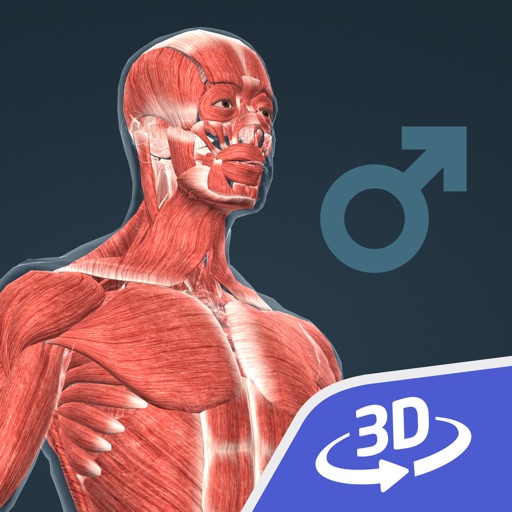
Human body (male) 3D
by Mozaik Education
251 reviews analysed · 2 Sep 2018 – 17 Aug 2026 · scored 30 Sep 2026
Based on 251 reviews from 2 Sept 2018 - 17 Aug 2026.
Overview
- Appeye score
- 84/100moderate confidence
- Category rank
- #1056 of 3,177Education
- Reviews analysed
- 251Scored reviews across both stores.
- Sentiment trend
- FlatIts trend signals are holding steady.
156 ratings
Review sentiment
50.5K ratings · 5,000,000+ installs
Review sentiment
Star distribution
App description
Human body (male) This animation introduces the most important organ systems of the human body. Explore biology with our interactive 3D scenes. With our apps, learning becomes a playful experience. Our 3D scenes have been designed for students between 8 and 18 years of age but can be interesting for everyone. Available languages: English, Deutsch, Français, Español, Русский, العربية, 日本語, 中文, 한국어, Italiano, Português, Svenska, Nederlands, Norsk, Polski, Magyar. With the mozaik3D App, available in the AppStore, you can access more than 1200 similar 3D scenes. Mozaik Interactive 3D Our fully interactive scenes can be rotated, enlarged or viewed from pre-set angles. With the predefined views, you can easily navigate through the complex scenes. Some of the 3D scenes contain a Walk mode, enabling you to explore the scene yourself. Most of our 3D scenes include narrations and built-in animations. They also contain captions, entertaining animated quizzes and other visual elements. The 3D scenes are available in several languages, which also offers an opportunity to learn and practice foreign languages. Usage and navigation Rotate the scene by dragging your finger. Zoom the scene in or out by pinching with your fingers. Pan the view by dragging with three fingers. Tap the buttons at the bottom to switch between predefined views. You can change the language and set other functions in the context menu. The context menu can be accessed by touching the bottom corners. Activate VR mode by pressing the VR goggles icon in the bottom right corner. In VR mode, tilt your head to right or left display the navigation panel.
Score by store
Appeye's overall score out of 100, calculated separately for each store.
from 21 reviews (limited confidence)
from 230 reviews (moderate confidence)
Gap between stores: 11 points
Sentiment over time
Calendar-month positive review share for the selected store view. Overall is review-weighted across stores; months with fewer than 10 reviews are left out.
Version history sentiment
Per-release positive review share for each app version that has at least 3 analysed reviews, oldest first — so you can see whether the last real release helped or hurt separately from the calendar-month trend.
Sign in to see per-release review sentiment for this app.
Version history
No version snapshots recorded for this app yet.
Related apps
Other Education apps with the closest Appeye score.
- Learn AI & ML with Python84
- Doctrinal Mastery84
- Learn French Language84
- Memory!84
- Happy Kids Timer: Home Chores84
- Learn to code with Yolmo®84
- Learn German AI: Read & Listen84
- Eclipse Calculator 284